Your saved prompts,
one click away.

A personal prompt library that lives inside ChatGPT and Claude. Built for engineers and AI power users who are tired of retyping the same instructions every session.

Works on Chrome, Brave, Edge, and all Chromium-based browsers.

See it in action

Install, setup, and a real session showing how PromptMate fits into a daily AI workflow.

chrome://extensions

Works where you work

Opens as a sidebar on both ChatGPT and Claude. No context switching, no separate tab.
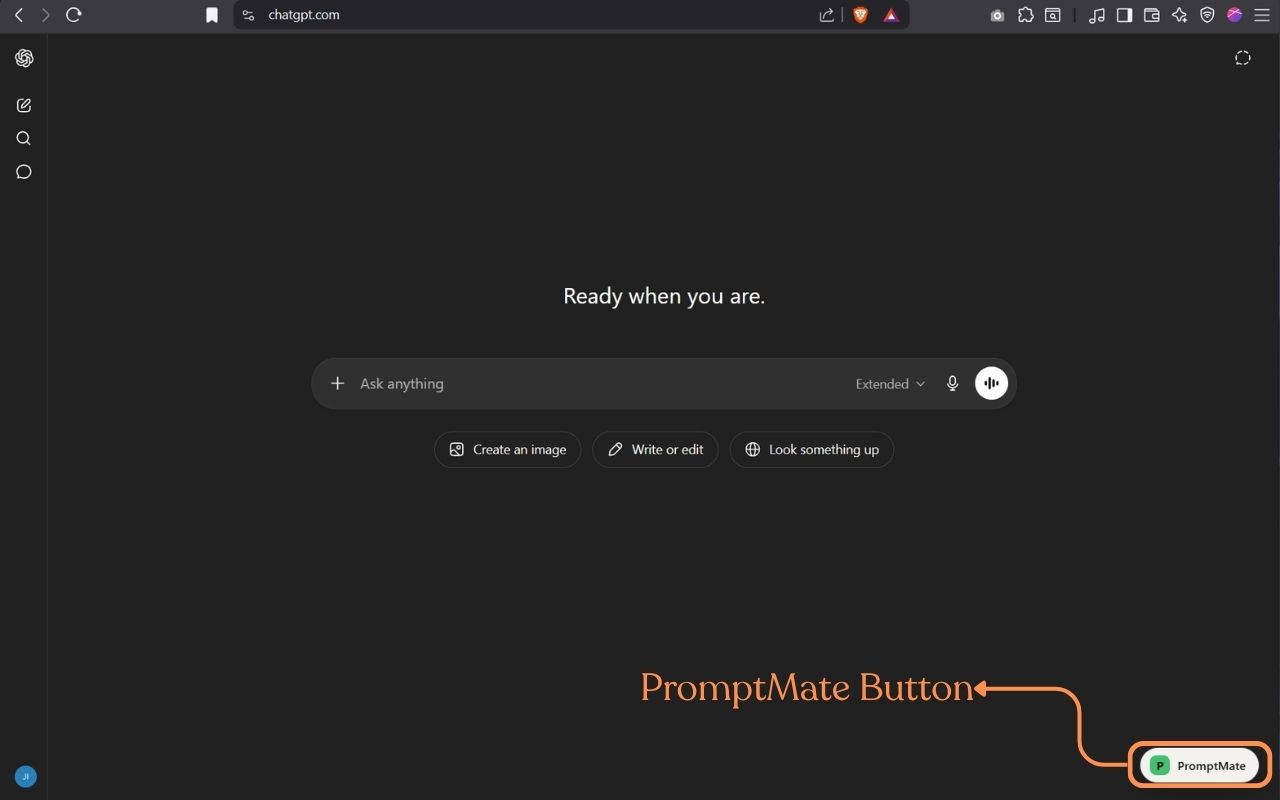
chatgpt.com
PromptMate button on ChatGPT

One-click open on ChatGPT

The PromptMate button appears in the bottom-right corner.
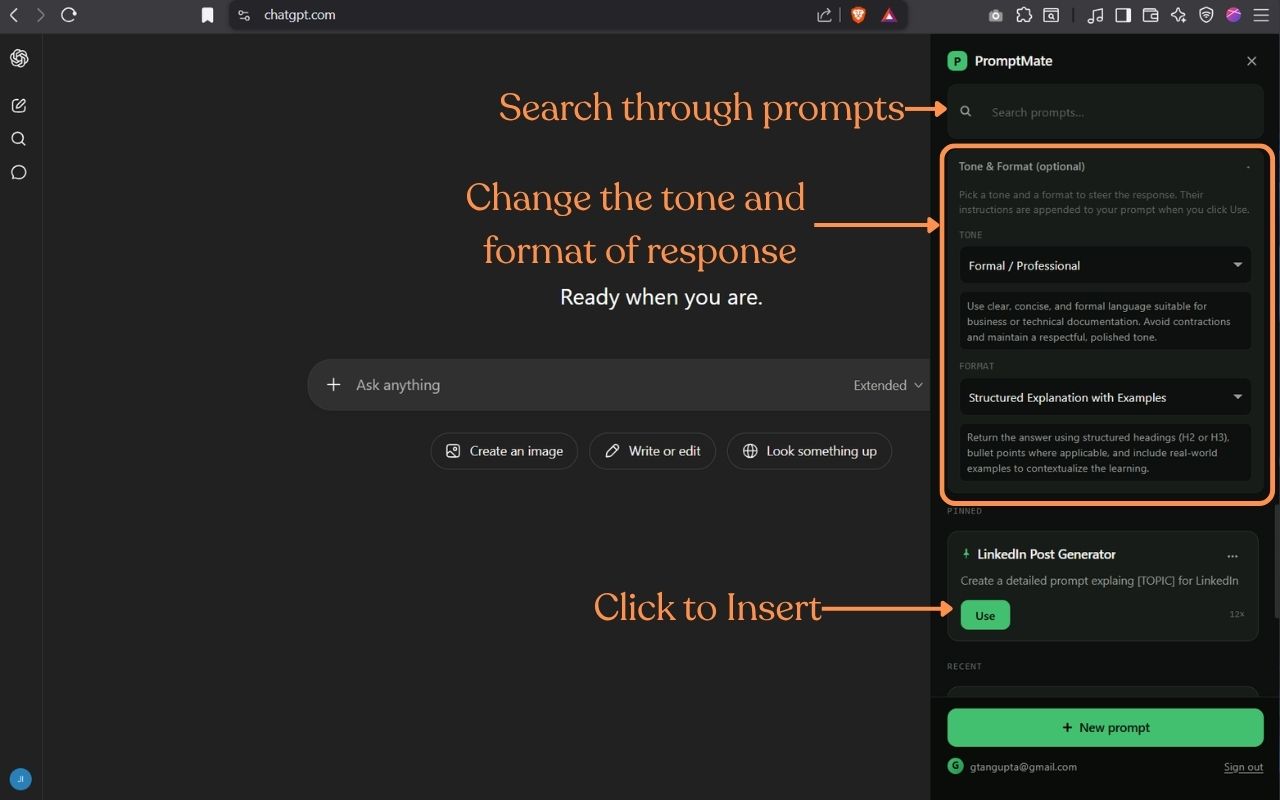
chatgpt.com
PromptMate sidebar open on ChatGPT

Sidebar with tone & format

Search, pick tone, pick format, click Use. Done.
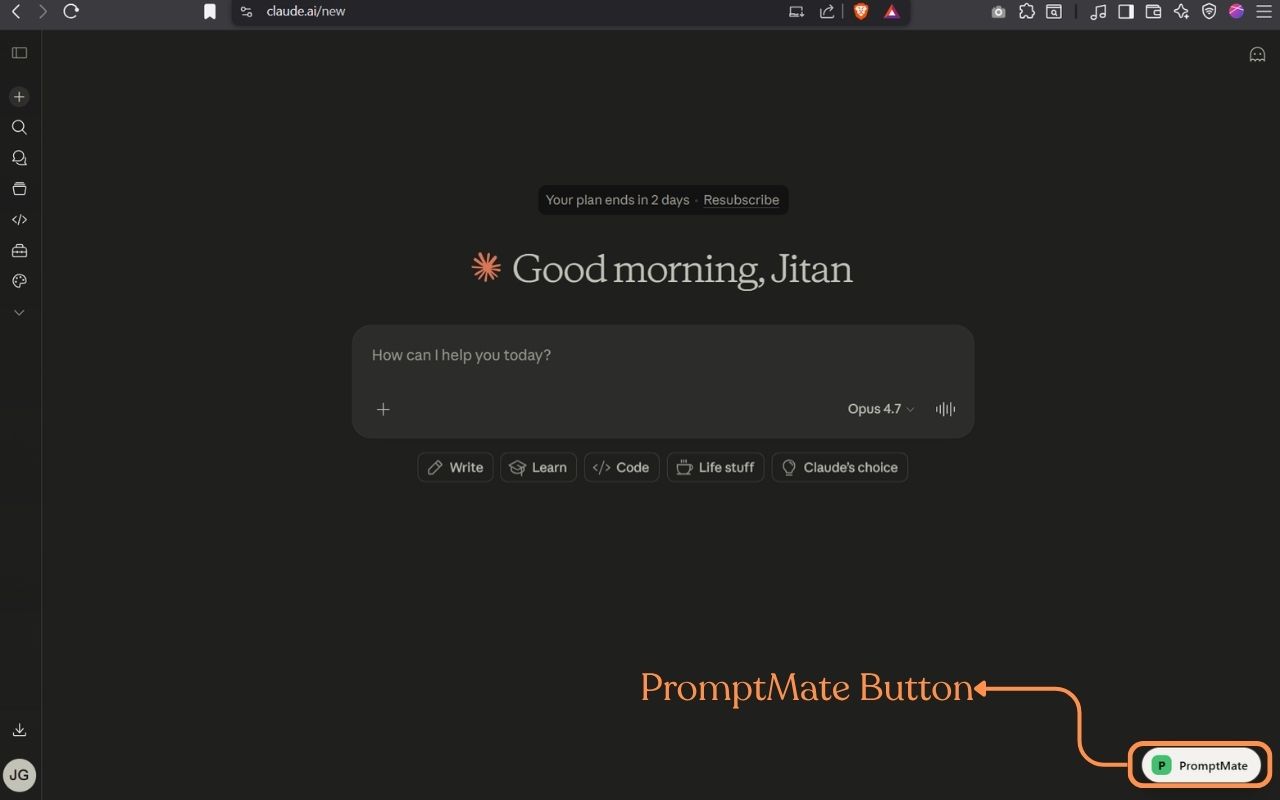
claude.ai
PromptMate button on Claude

Same experience on Claude

Same sidebar, same library, both interfaces.
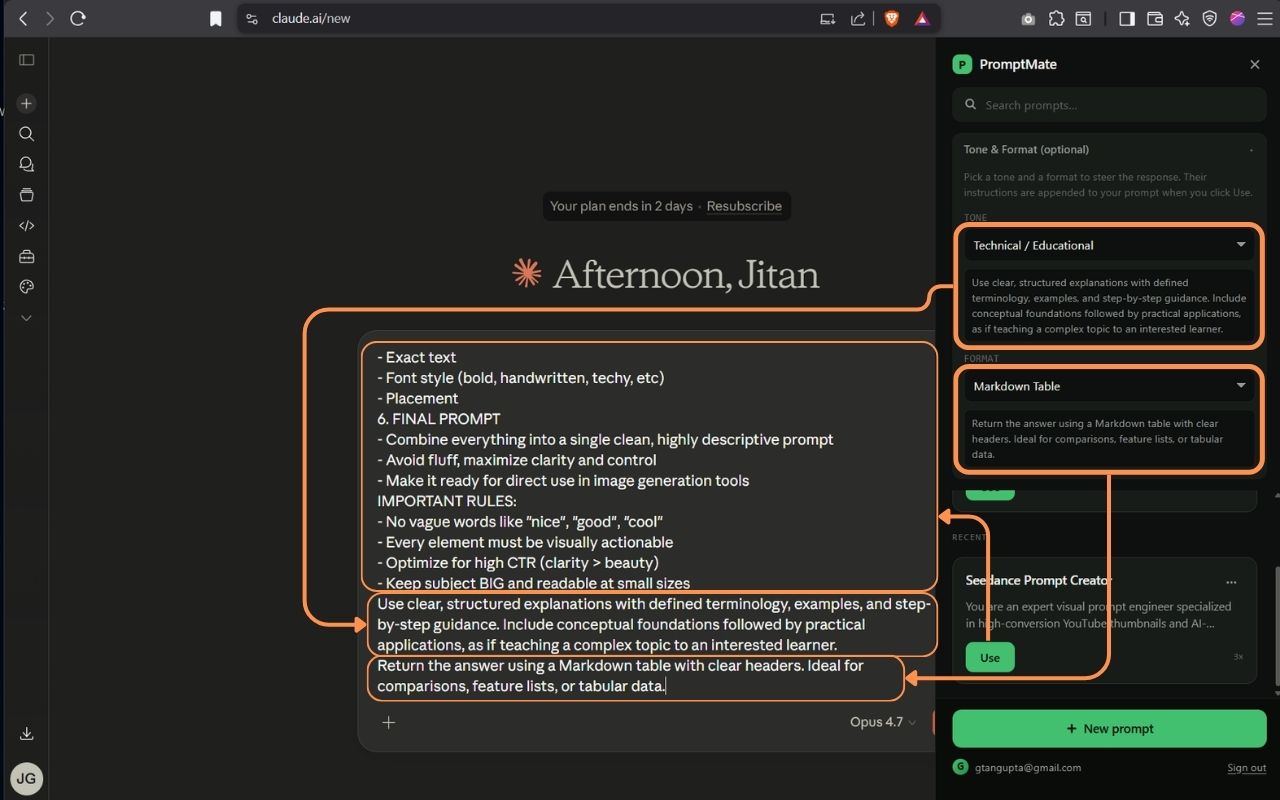
claude.ai
PromptMate sidebar open on Claude

Insert with full context

Tone and format instructions are appended automatically.

The friction was real

I use Claude and ChatGPT for almost everything now: code reviews, draft emails, explaining concepts to teammates, writing scripts for YouTube. And I kept typing the same instructions over and over.

Not the prompts themselves — I had those saved in Notion, in a text file, scattered in browser tabs. The problem was the ritual: open a new chat, remember which prompt, find the file, copy, paste, adjust the tone manually. Every. Single. Session.

I wanted the prompts where the work happens. Not in a tab I have to switch to. In the sidebar, with one click to insert. So I built it.

Jitan Gupta

Jitan Gupta

Built in Mumbai · See all builds →

Current state, honestly scoped

This is what's shipped. Not what's planned. That's the roadmap below.

Sidebar inside ChatGPT and Claude

No tab switching. Your prompts live where you work — a sidebar that opens on both interfaces with one click.

Save with tone and format

Each prompt stores a tone (formal, casual, technical) and output format (bullets, steps, prose, code). Inserted together, in one click.

Open source, no backend

Syncs to your own private Google Drive folder. No data on my infrastructure. You own your library.

Edit on demand

Prompts aren't locked. Open any saved prompt, tweak it mid-session, save back. The edit is yours.

Local usage analytics

Tracks how often you create, apply, copy, and delete prompts. Stored locally so you can see what's actually useful.

Prompt history

Every prompt you use is logged. Go back to any previous prompt from your session history — nothing gets lost between chats.

What's next

Three features in active design. If any of these matter to you, raise an issue or vote via the feature request form.

Planned

Group Prompts

Organize your library into named groups — by project, by use case, or by workflow. Find what you need without scrolling through everything.

Planned

Share Prompts

Publish a prompt to anyone-with-link. The receiver gets their own copy. Private by default, shareable on demand.

Planned

Codex & Claude Code desktop

Bring your prompt library into Codex and the Claude Code desktop app — the same one-click insert experience, now for coding workflows too.

Built · v0.6.0

Prompt version history

Every edit to a saved prompt creates a version. Browse the history, see what changed, and restore any prior version. Built — shipping in the next release.

Free · Open source · No backend

Stop retyping. Build your library once.

Install PromptMate, save the prompts you actually use, and get them back in one click — in ChatGPT or Claude, on any device.